Planning and recovery
See workload and deadlines ahead. Adjust the plan when you have less time than expected.
A calm study planner for university students. See what’s due, choose a manageable next step, and make time to focus.
Daybreak is in public beta preview. Features may change, and your feedback shapes the launch.
Send feedbackAn assignment takes longer than expected. Two deadlines land in the same week. When it’s hard to start, Daybreak helps you see what fits in the time you have.
Add courses, assignments and deadlines. Give each task a study date when you’re ready.
Today suggests a task using the dates and estimates you enter.
Start a timer and leave a note about where to pick up next time.
Use Recovery to preview a smaller plan before you apply it.
See workload and deadlines ahead. Adjust the plan when you have less time than expected.
Capture tasks quickly, set priorities, add subtasks, and keep study dates separate from deadlines.
Time a study block, use the Zen view, and save a pause note for later.
Write recall prompts and revisit them in the review queue.
Look back at completed tasks, recorded focus time, and course progress.
Import a compatible course template, export calendar entries, and save or restore a JSON backup.
Switch between English and Thai and use the day or night theme.
Sign in and opt in to ask study questions when the service is available. You choose what study context to send.
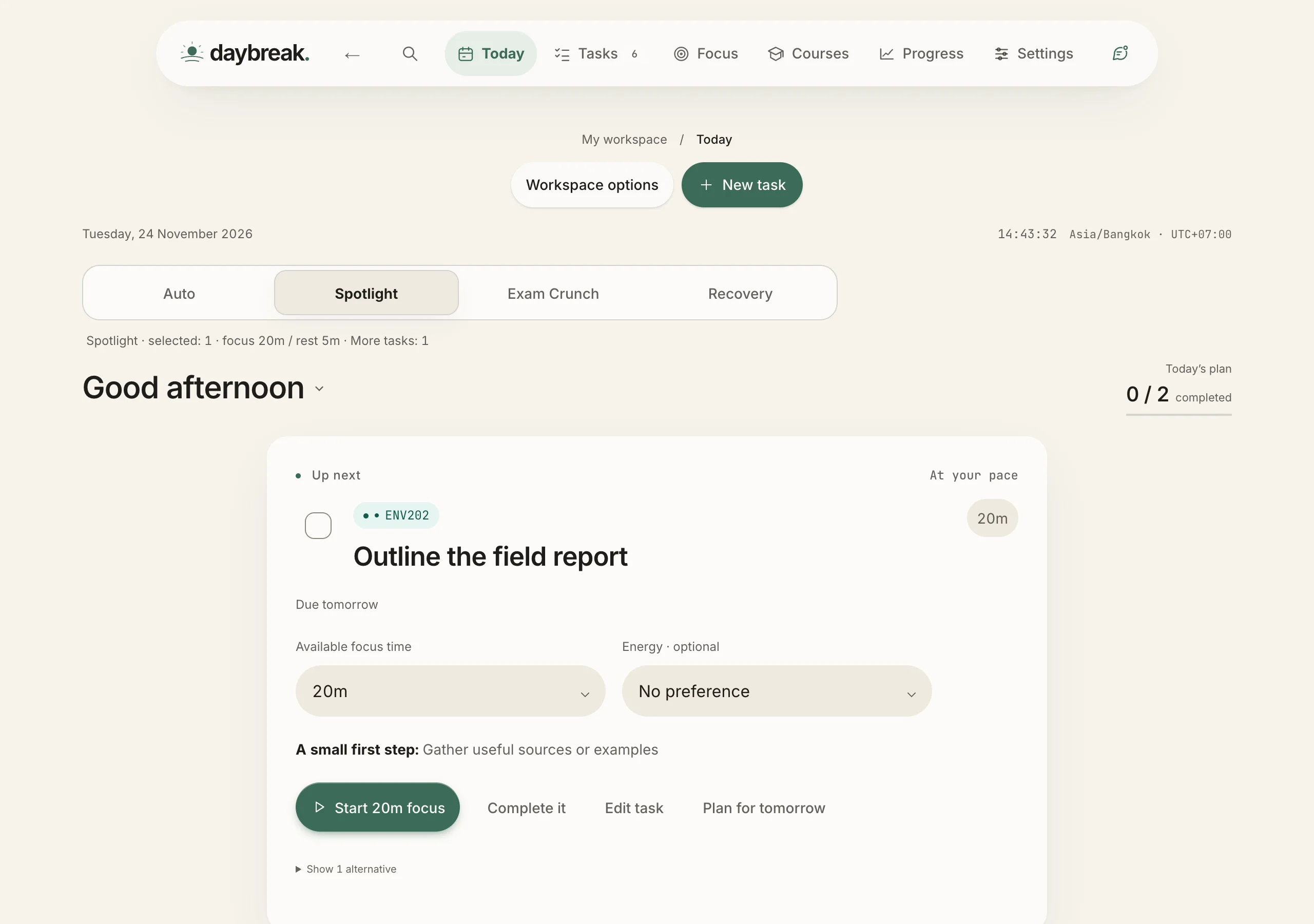
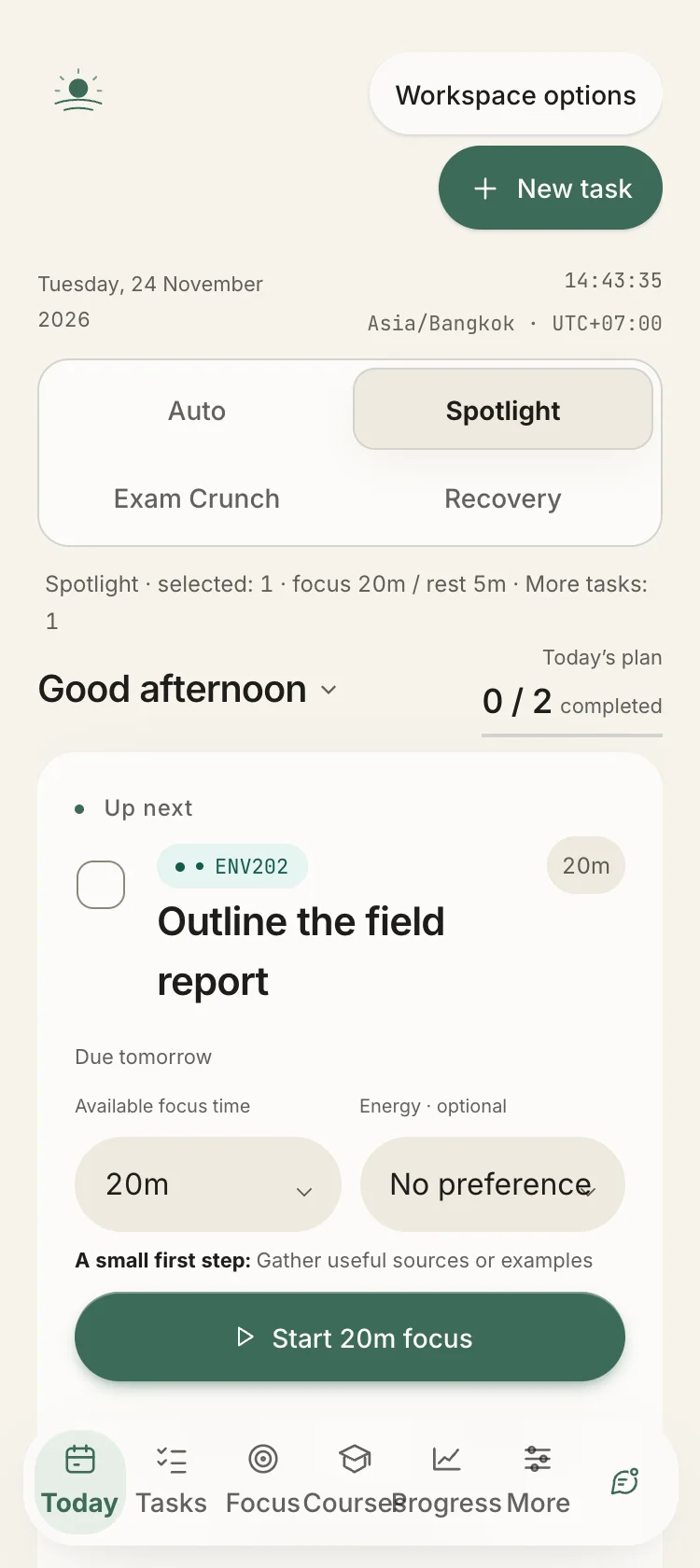
Plan as a guest without creating an account. Guest records are stored in this browser. Export a backup before clearing site data. AI is optional and only receives what you choose to send. Any changes suggested by AI are yours to review and apply.
The planner interface is available in English and Thai. Switch languages anytime.
Guest planning works without an account. Hosted AI Study Support requires sign-in and consent.
AI receives only the message and study context you choose to submit. It does not automatically read or edit the planner.
Guest records live in your current browser profile. Save a JSON backup if you’re changing devices or clearing site data.
Open the planner online first and enable offline reopening in Settings. AI Study Support needs a connection.
Daybreak is in public beta preview. Features may change, and your feedback shapes the launch.
Final pricing and a public purchase date are unconfirmed.
Use Send feedback to open a draft in your email app. Tell us what you were doing and what happened.